Why Choose Xvirus Firewall?
Straightforward network control for everyone — from novice to expert.
Designed for everyone!
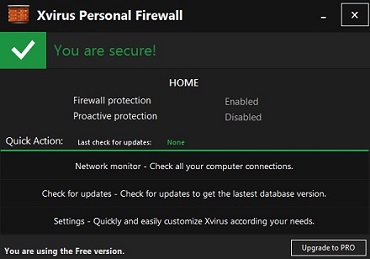
Xvirus Firewall is simple enough for novice users and advanced enough for experienced users. You can just install and forget it or change the settings for a more customizable experience — either way you know you will be secure.
Manage your network!
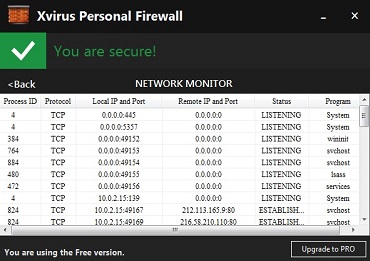
Thanks to Xvirus' Network Monitor you can see all the details of the connections of your applications — the protocol, IP and port, status, and the process ID.
Be the ruler!
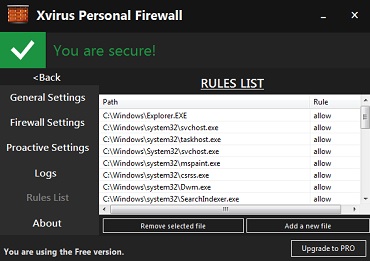
Xvirus Firewall allows you to control what programs run on your computer. With its simple rules list you can manage which programs should be allowed to run or be blocked.